Redesign Your Floor Plan
in Seconds
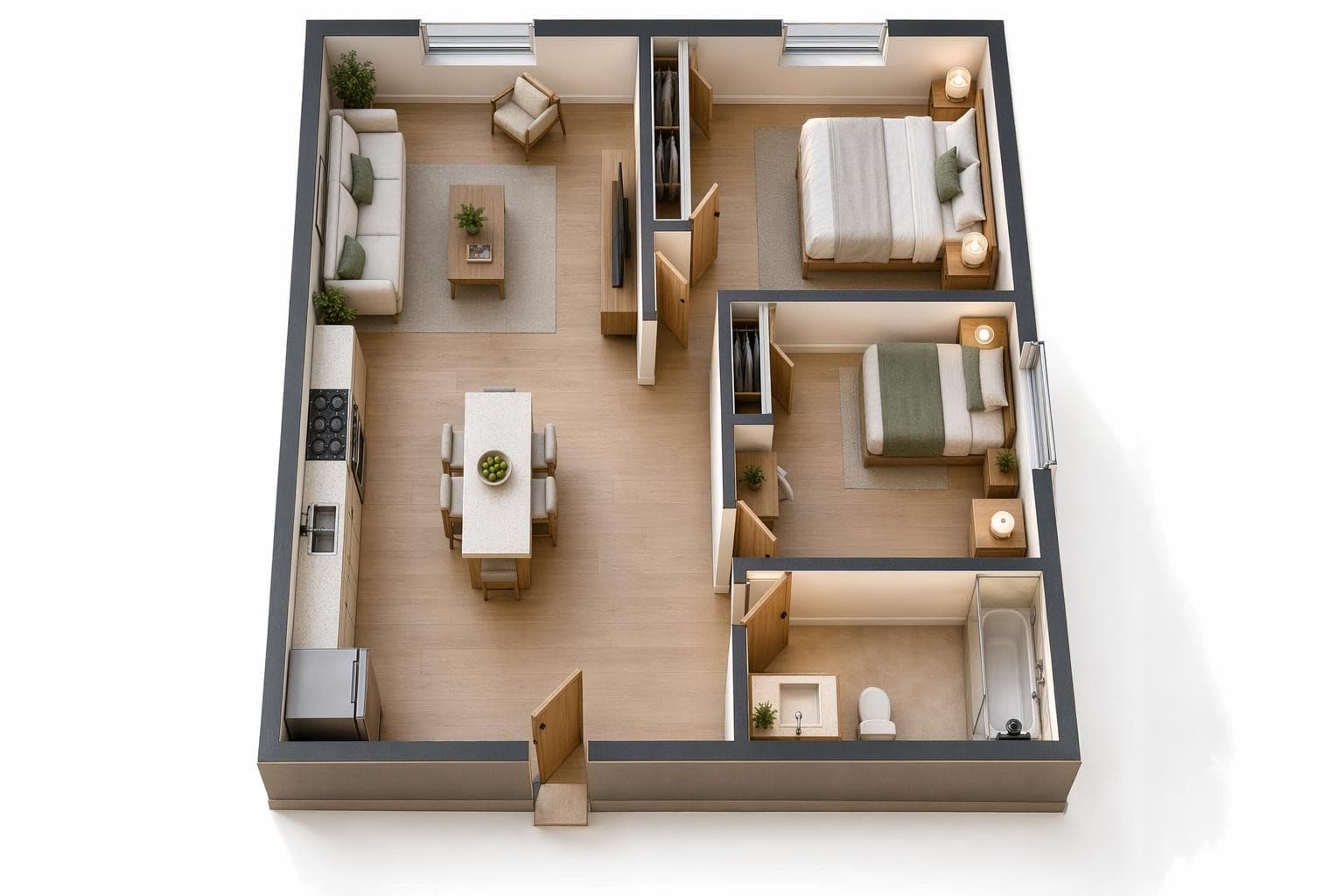
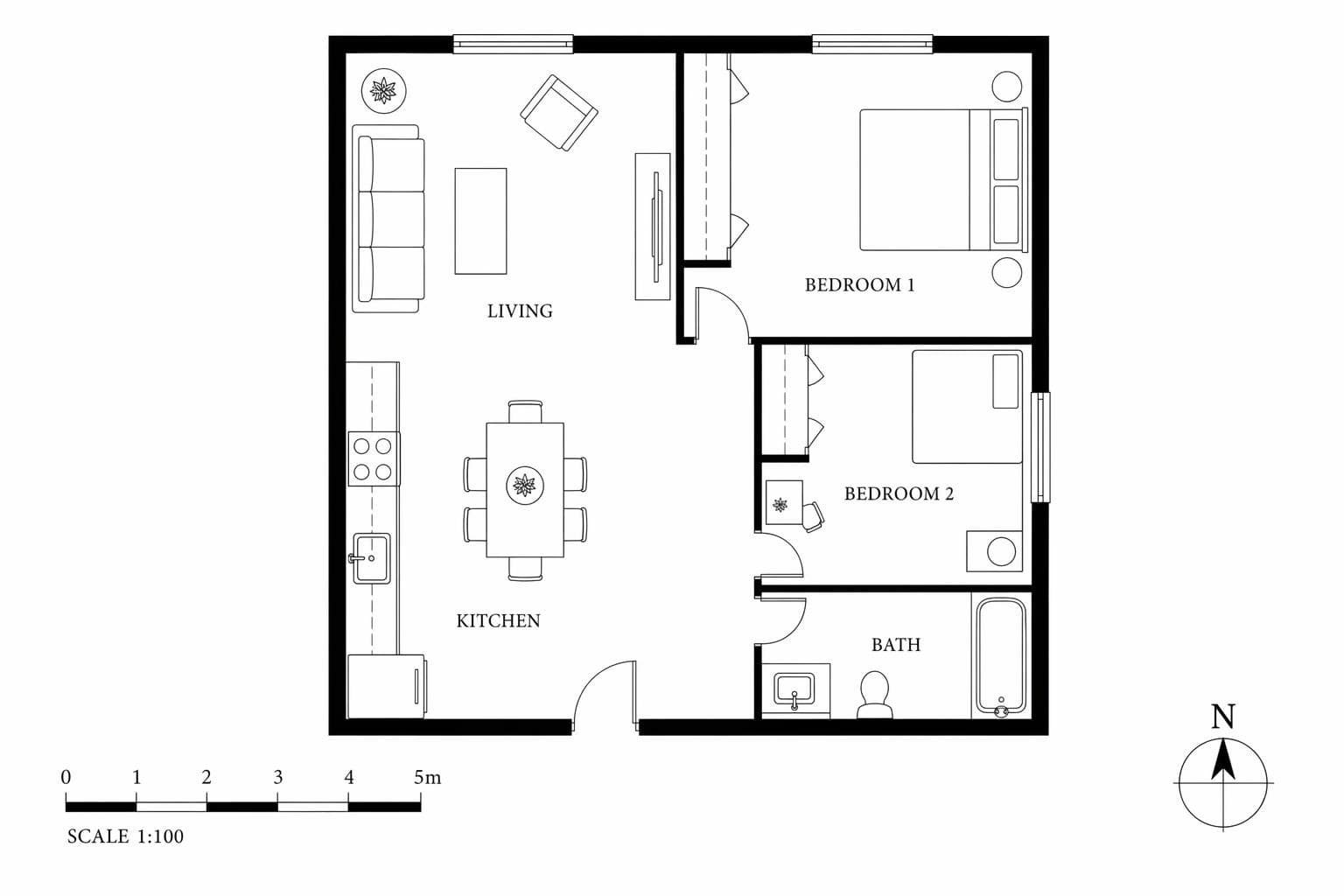
Floor plan to 3D conversion turns any flat drawing into a photorealistic visualization you can actually understand at a glance without any architecture training. Upload a sketch, blueprint, or digital floor plan and the AI generates a 3D render of the space showing rooms, furniture placement, and material finishes that bring the abstract layout to life. Most people struggle to read 2D floor plans because lines and measurements simply don't convey how a space actually feels to stand in or walk through. This fixes that communication problem in about 10 seconds. Great for pre-construction planning, client presentations, real estate pre-sales of unbuilt units, and validating room layouts before you pour the foundation. Your first 3 renders are free, no credit card needed.
Built for professionals who move fast
Floor Plan Design Styles
Furnished Render
Full furniture, decor, and materials. See the space fully lived in.
Empty Shell
Walls, floors, and windows only. Clean slate for your imagination.
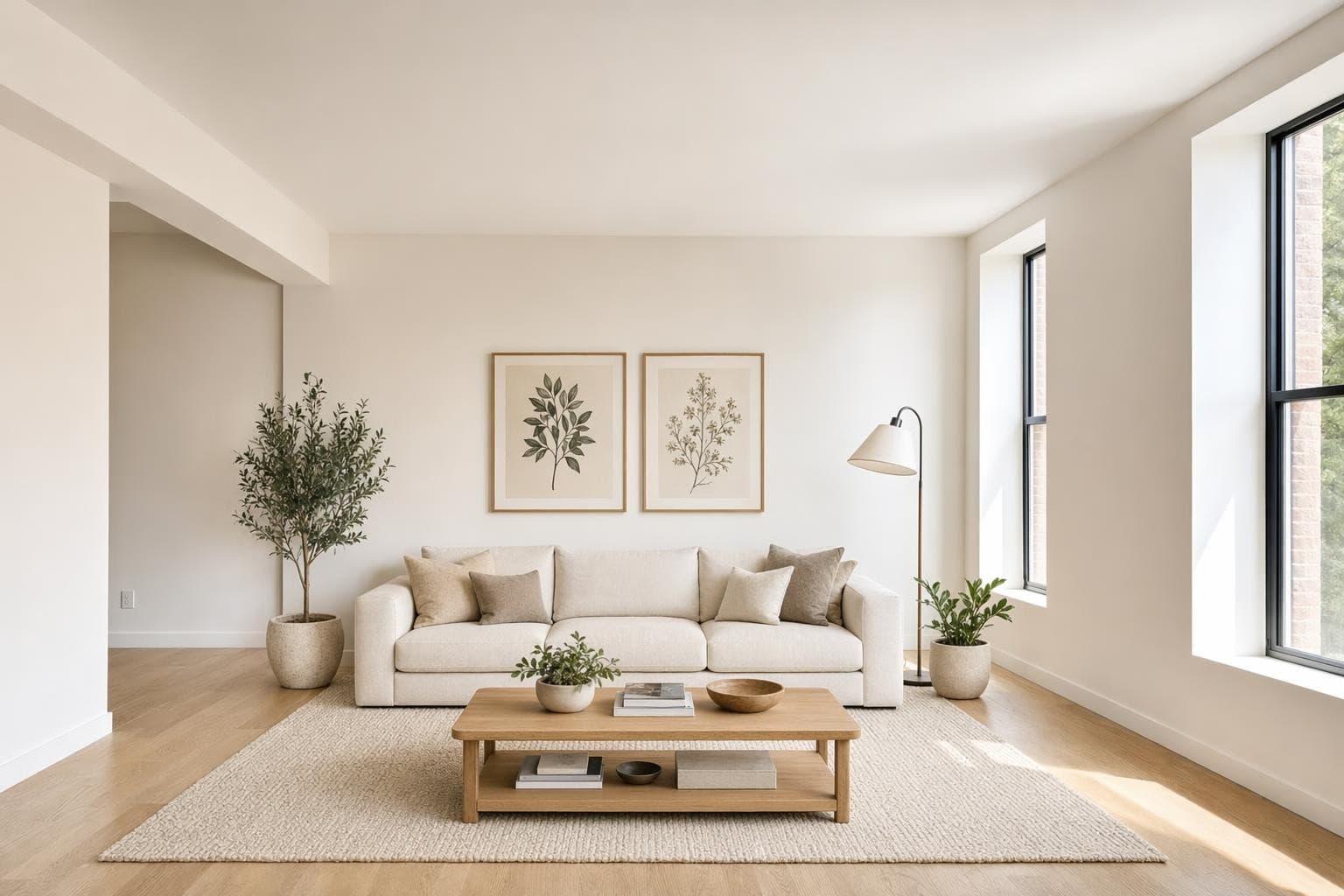
Architectural
Focus on structure. Exposed materials, natural light, clean geometry.
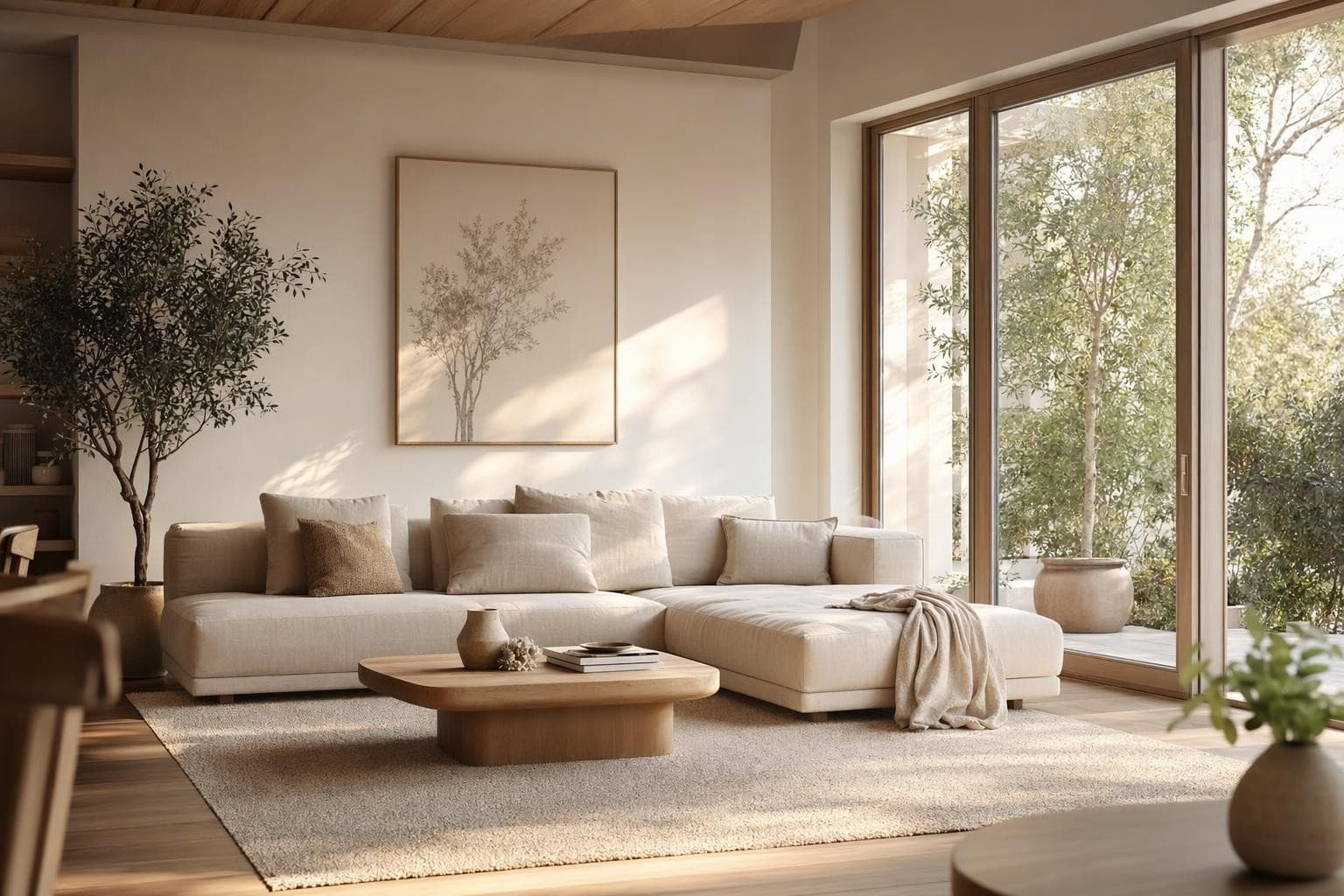
Modern Interior
Contemporary furniture and finishes applied to your floor plan layout.
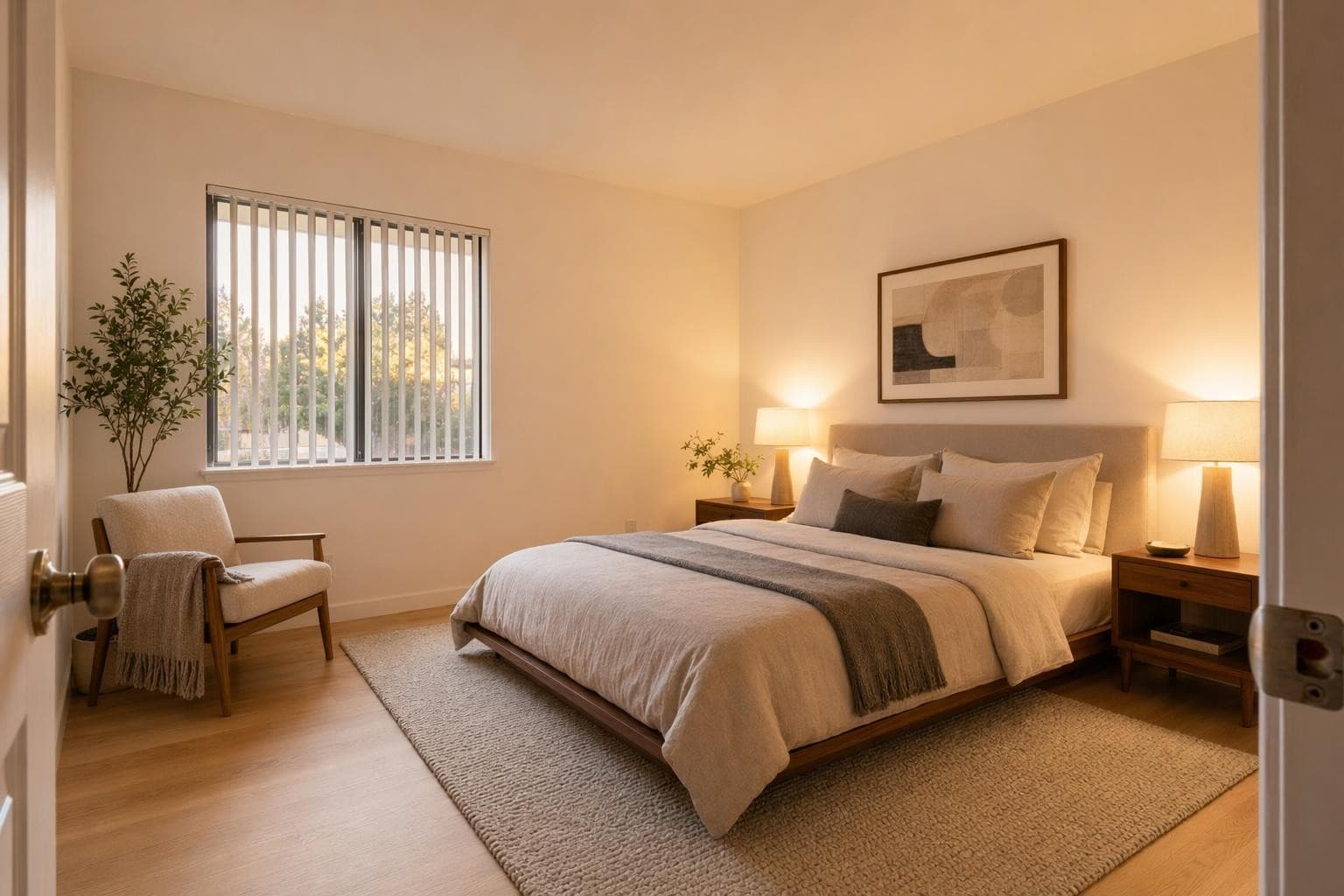
Warm Residential
Cozy, lived-in feeling with warm tones and textured materials.
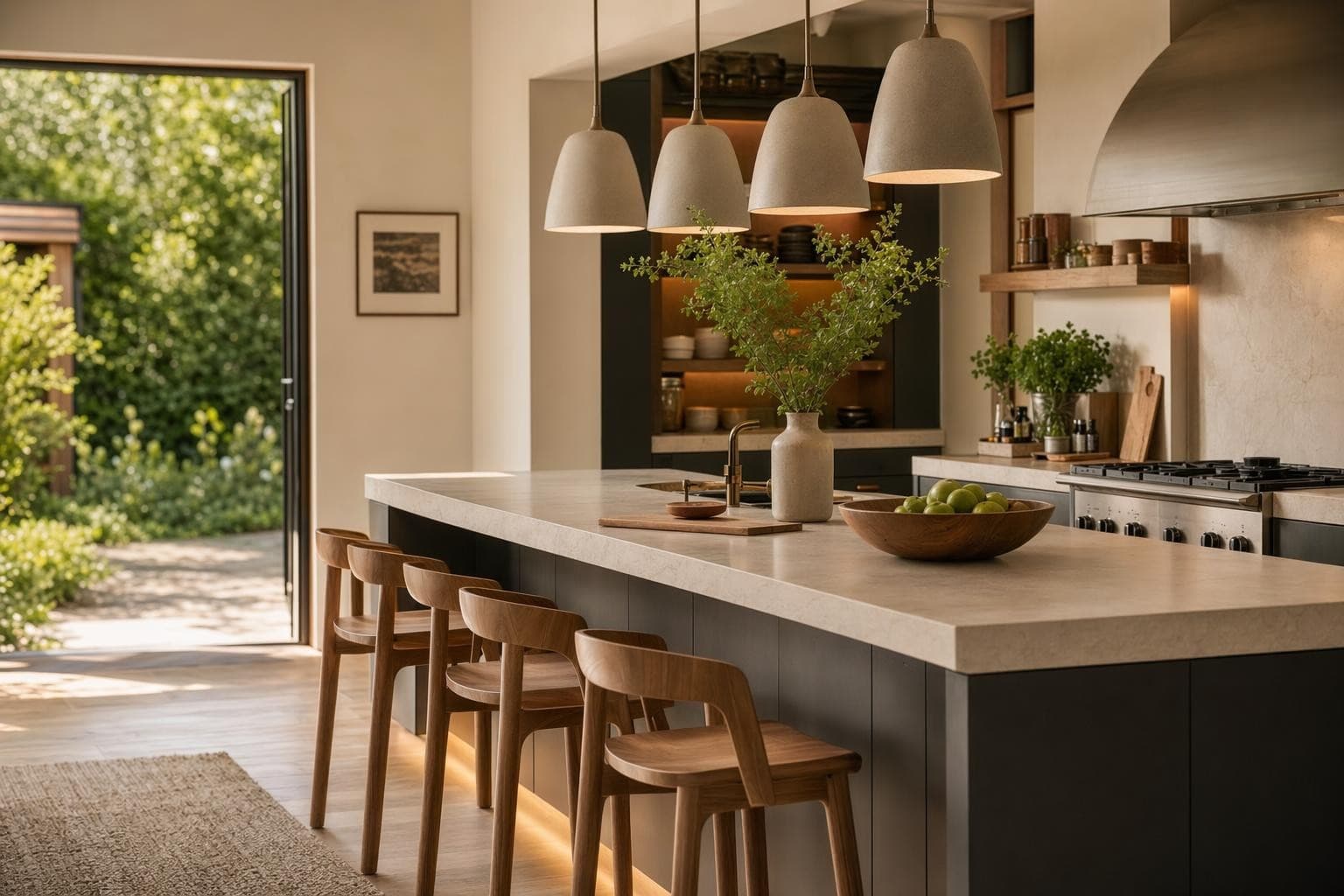
Commercial Office
Workspace layout with desks, meeting areas, and professional finishes.
Why AI for Floor Plan Design?
Bring flat plans to life
Most people can't read floor plans. They see lines and numbers, not rooms. Turn your 2D plan into a 3D render that anyone can understand. Clients, partners, and buyers immediately see what the space will feel like.
Skip weeks of 3D modeling
Traditional 3D modeling from floor plans takes a professional days or weeks. The AI does it in seconds. It's not replacing your architect, but it gives you a fast visualization to validate ideas before investing in detailed CAD work.
Sell spaces before they're built
Developers and agents use floor plan renders to pre-sell units. Buyers who can visualize a space are more likely to commit. Turn every floor plan in your listing into a rendered interior that sells.
From idea to stunning render in 3 simple steps
Upload
Upload a photo or floor plan of your space.
Choose & Customize
Pick a style, set your goals, and let AI work its magic.

Render & Refine
Get stunning results in seconds. Download, share, or tweak.

Floor Plan Design Tips
Clean floor plans give the best results
The AI reads the lines and labels in your floor plan to understand the layout. A cluttered plan with too many annotations, measurement callouts, electrical symbols, and engineering notes can confuse the interpretation. If your plan is busy, try creating a simplified version with just walls, doors, and windows marked clearly. Remove furniture symbols and dimension strings if possible. Hand-drawn sketches work too, as long as the walls are clear straight lines and room boundaries are obvious. A clean input gives you a clean, accurate 3D output every time.
Add room labels for better furniture placement
If your floor plan says 'Kitchen' or 'Bedroom,' the AI uses that context to place appropriate furniture and finishes in each space. An unlabeled rectangle could be rendered as any room type, giving you random results. Writing room names in the plan, even by hand with a marker, helps the AI understand what belongs where. You'll get a kitchen with counters, appliances, and a dining nook instead of a random living room setup. Labels like 'Master BR' or 'Office' work great. Even abbreviations help the AI make better decisions about furniture selection and scale.
Use this for client presentations, not construction documents
Floor plan to 3D renders are visualization tools, not architectural drawings with exact measurements. They show the feeling, style, and spatial relationships of a space, not precise dimensions or structural details you'd need for permitting. Use them to get client buy-in on a concept, help buyers visualize pre-construction units in sales centers, or test interior style directions for a new build before committing. Don't use them as substitutes for proper architectural renderings when dimensional precision matters for construction or engineering purposes.
Photograph hand-drawn sketches with good lighting
You don't need a digital floor plan or CAD software to use this feature. A hand-drawn sketch on paper works perfectly fine. But photograph it with even lighting and no shadows falling across the drawing. Place it flat on a table, use natural light from a window, and make sure the whole page is visible in frame. Avoid angles that distort the proportions of the rooms. A straight-down shot with your phone held parallel to the paper gives the best results. Wrinkled paper, pencil shadows, or partial views are harder for the AI to interpret accurately.
Try multiple styles on the same floor plan
One floor plan, five completely different interiors. Render the same layout as modern, Scandinavian, industrial, traditional, and minimalist to see how style changes the feeling of identical square footage. This is perfect for developers deciding on a model unit direction, real estate agents showing buyers multiple possibilities, or homeowners building new who want to see how different furniture styles feel in their actual floor plan before the drywall goes up. The layout stays the same but the vibe changes completely with each render.
More AI Design Tools
Frequently asked questions
Everything you need to know about Stable Render.
Still have questions?
Our team is here to help you get the most out of Stable Render.
Digital blueprints, architectural drawings, CAD exports, hand-drawn sketches on paper, and even rough napkin sketches all work. The AI needs to see clear wall lines and room boundaries to interpret the layout correctly. The cleaner and more legible the input with distinct room separations, the better and more accurate the 3D result will be. Even simple pencil drawings produce usable results.
New to Stable Render? Start free and explore all features.
No credit card required • Free credits to get you started
Ready to bring your designs to life?
Join thousands of homeowners, designers, and realtors who save time, impress clients, and grow their business with Stable Render.