Redesign Your Mood Board
in Seconds
An AI mood board generator helps you plan your room's direction before you commit to a full redesign or start buying furniture you might regret two weeks later. Instead of scrolling through hundreds of scattered Pinterest saves with no clear direction or organizing principle, you combine your preferred colors, materials, textures, and furniture styles into one cohesive visual reference board that tells you instantly whether your ideas actually work together. Use it to align your own scattered ideas into something concrete and actionable, share with a partner so you're both on the same page, or brief a contractor with a clear visual instead of vague descriptions like 'modern but warm.' Takes seconds instead of hours of manual curation and clipping. Pull together colors, textures, and furniture styles in one place so everyone is on the same page before you start buying.
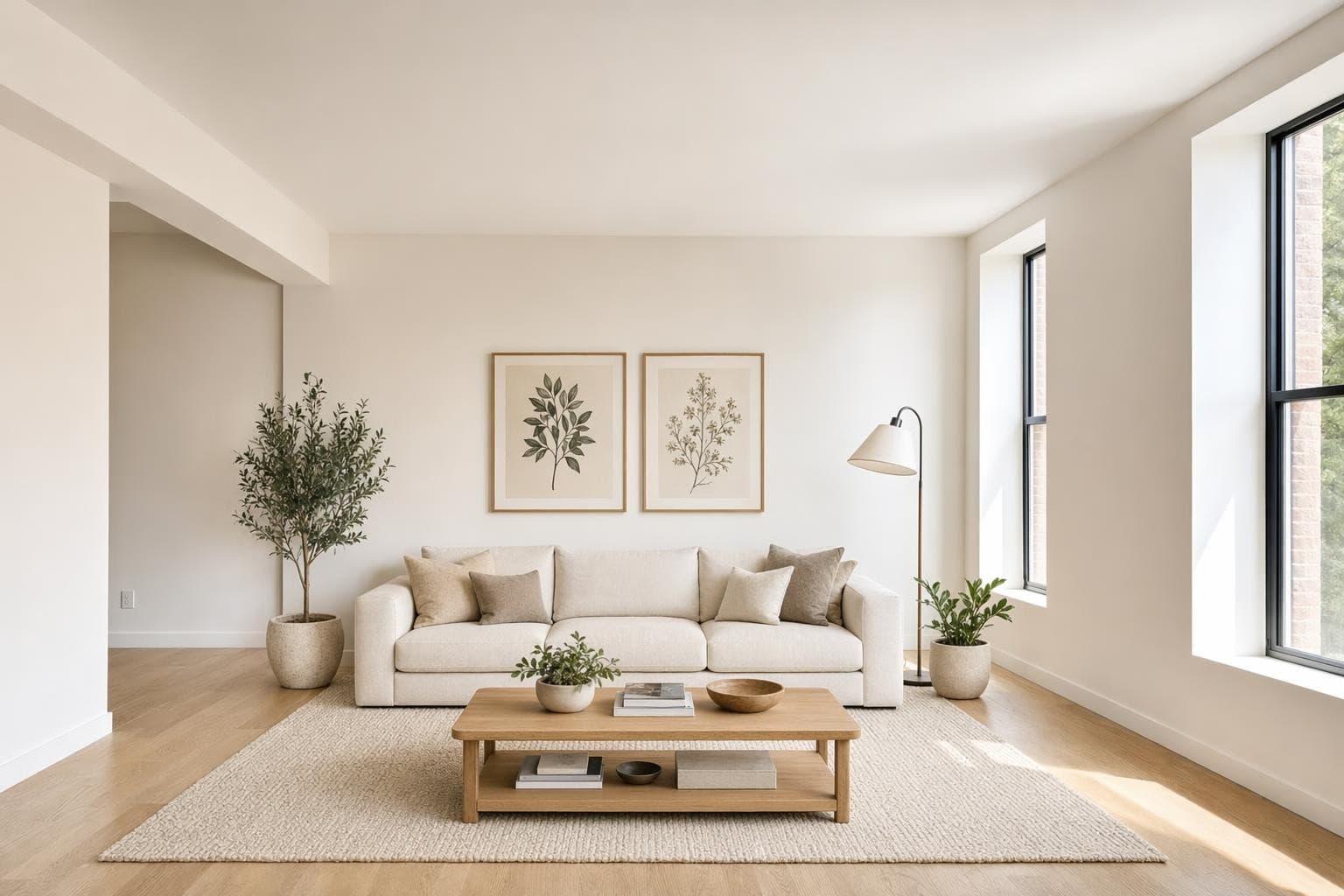
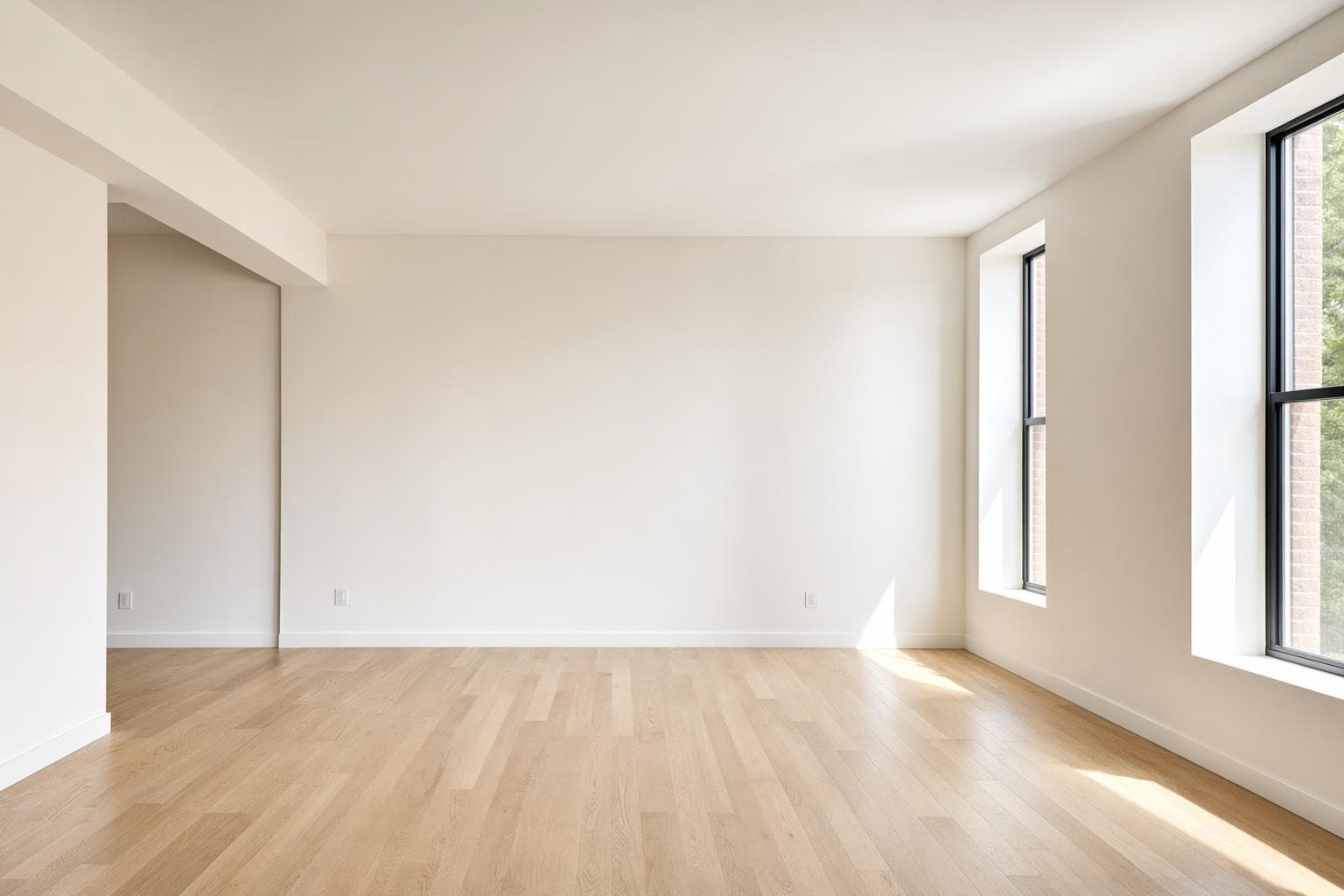
Built for professionals who move fast
Mood Board Design Styles
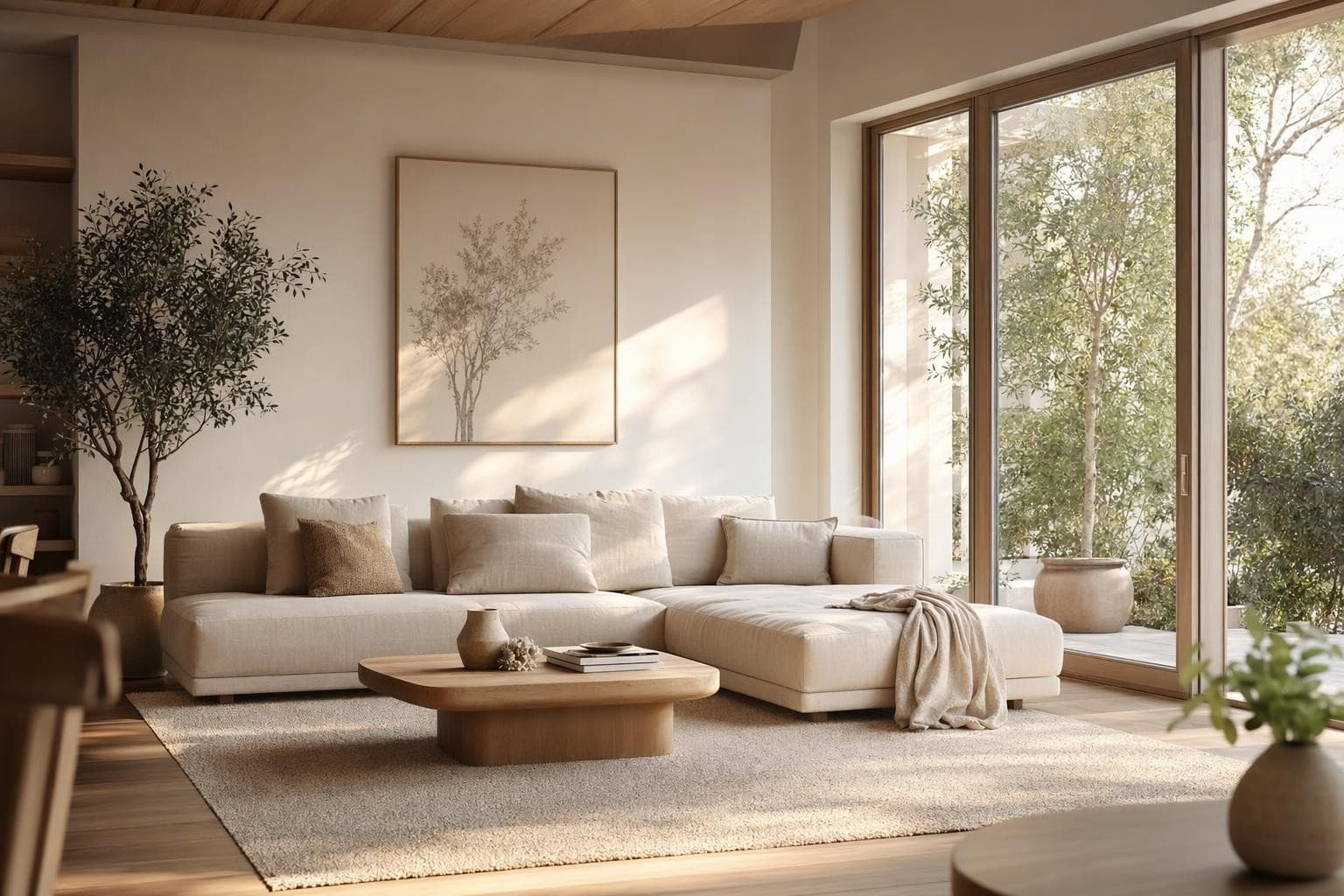
Color Palette
Focus on your color scheme. See how tones work together at a glance.
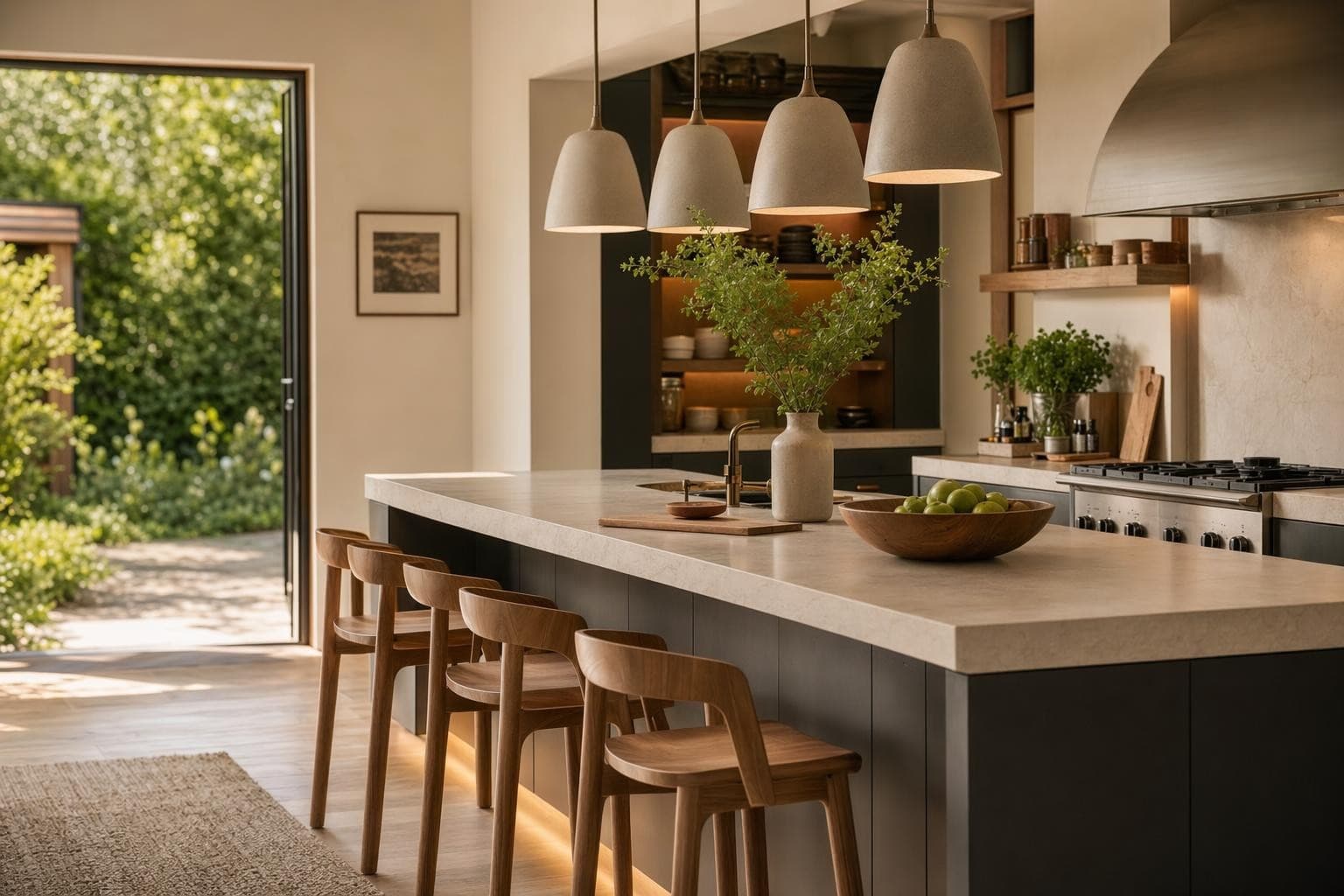
Material Board
Wood, stone, fabric, metal. See your materials together before committing.
Full Room Concept
Furniture, colors, and finishes combined into one cohesive vision.
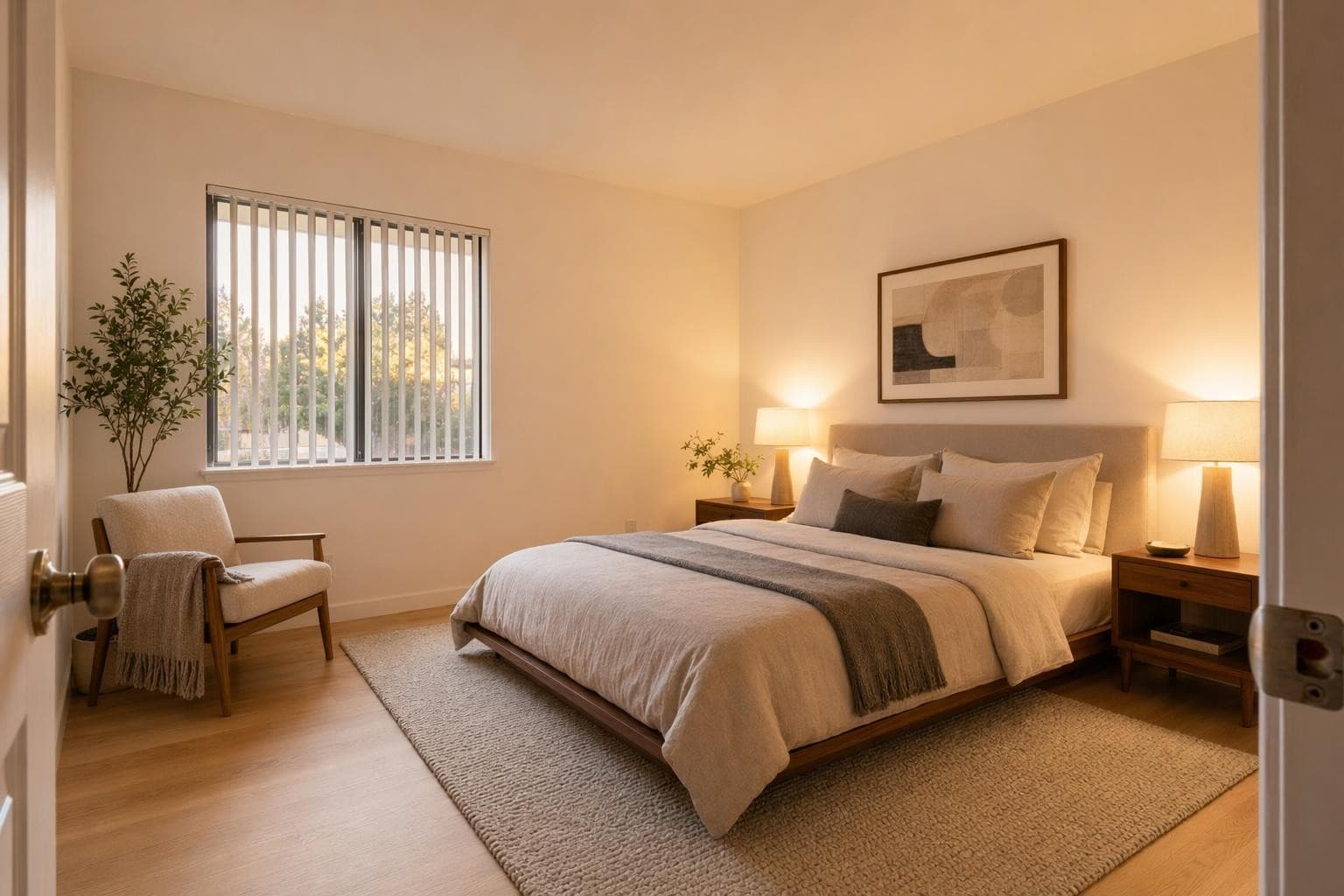
Style Reference
Capture a vibe with reference images. Pin down the feeling you want.
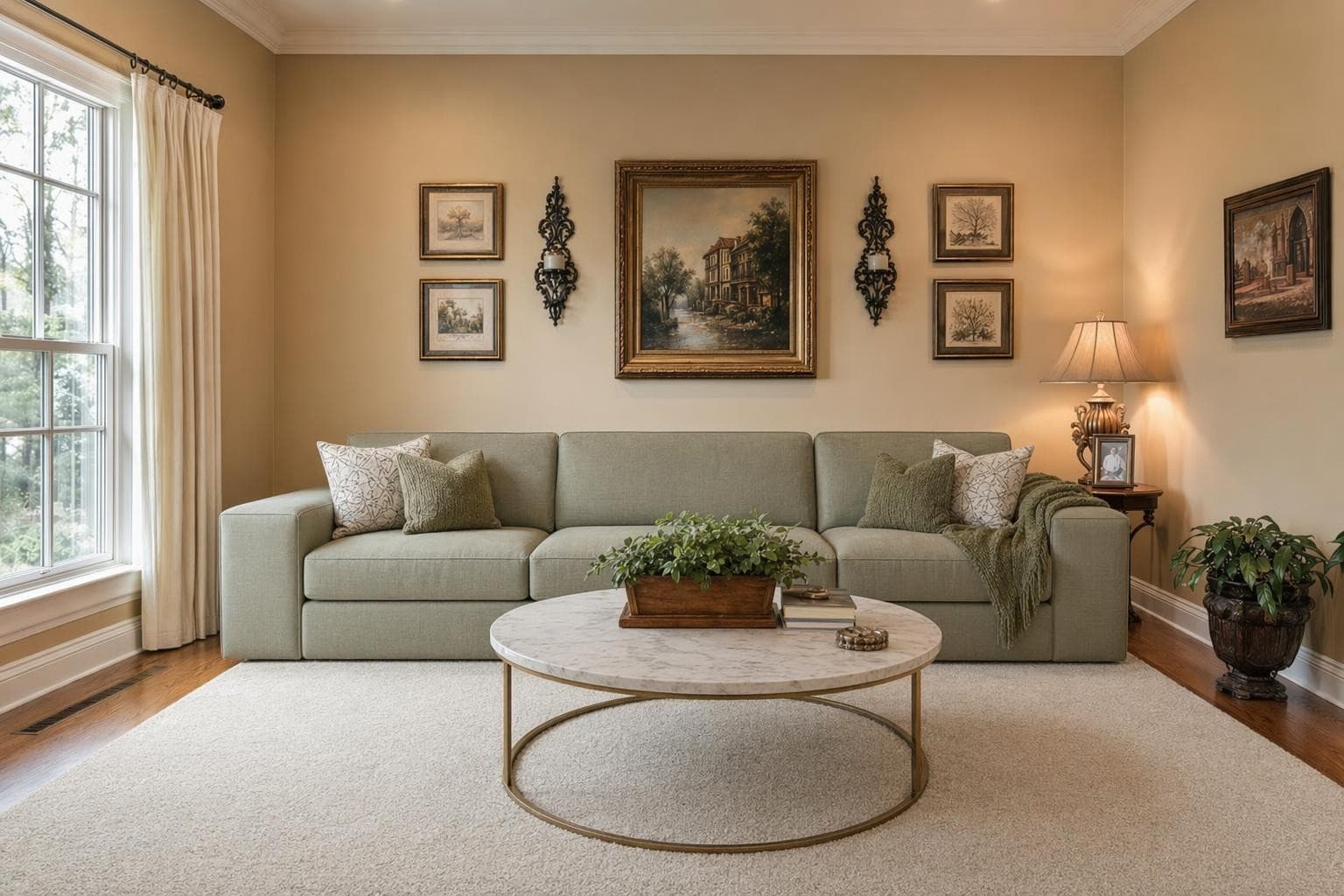
Renovation Plan
Before and after direction. Map out what changes and what stays.
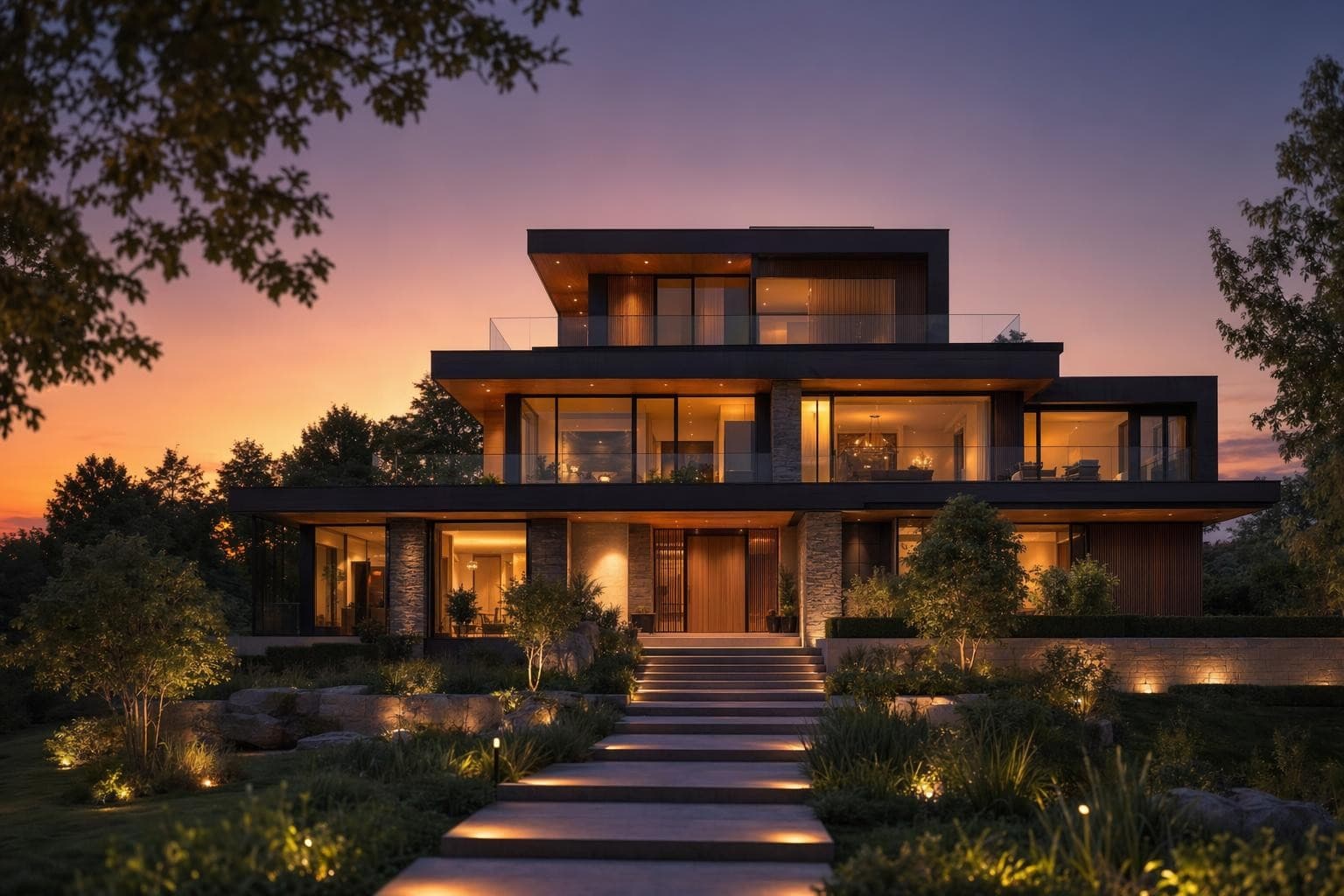
Client Presentation
Professional boards to present to clients. Show direction clearly.
Why AI for Mood Board Design?
See your whole vision in one place
Scrolling through Pinterest saves with no organization doesn't give you clarity. A mood board forces you to curate. Put your colors, materials, and furniture references on one board and you'll instantly see if they work together or clash.
Communicate your style without words
Telling someone 'I want something modern but warm' means different things to everyone. A mood board eliminates confusion. Share it with your partner, contractor, or designer and everyone's looking at the same vision.
From idea to board in seconds
Traditional mood boards take hours to compile. Find images, cut samples, arrange them. The AI generates cohesive boards from your input in seconds. Try multiple directions and compare them side by side before you commit.
From idea to stunning render in 3 simple steps
Upload
Upload a photo or floor plan of your space.
Choose & Customize
Pick a style, set your goals, and let AI work its magic.

Render & Refine
Get stunning results in seconds. Download, share, or tweak.
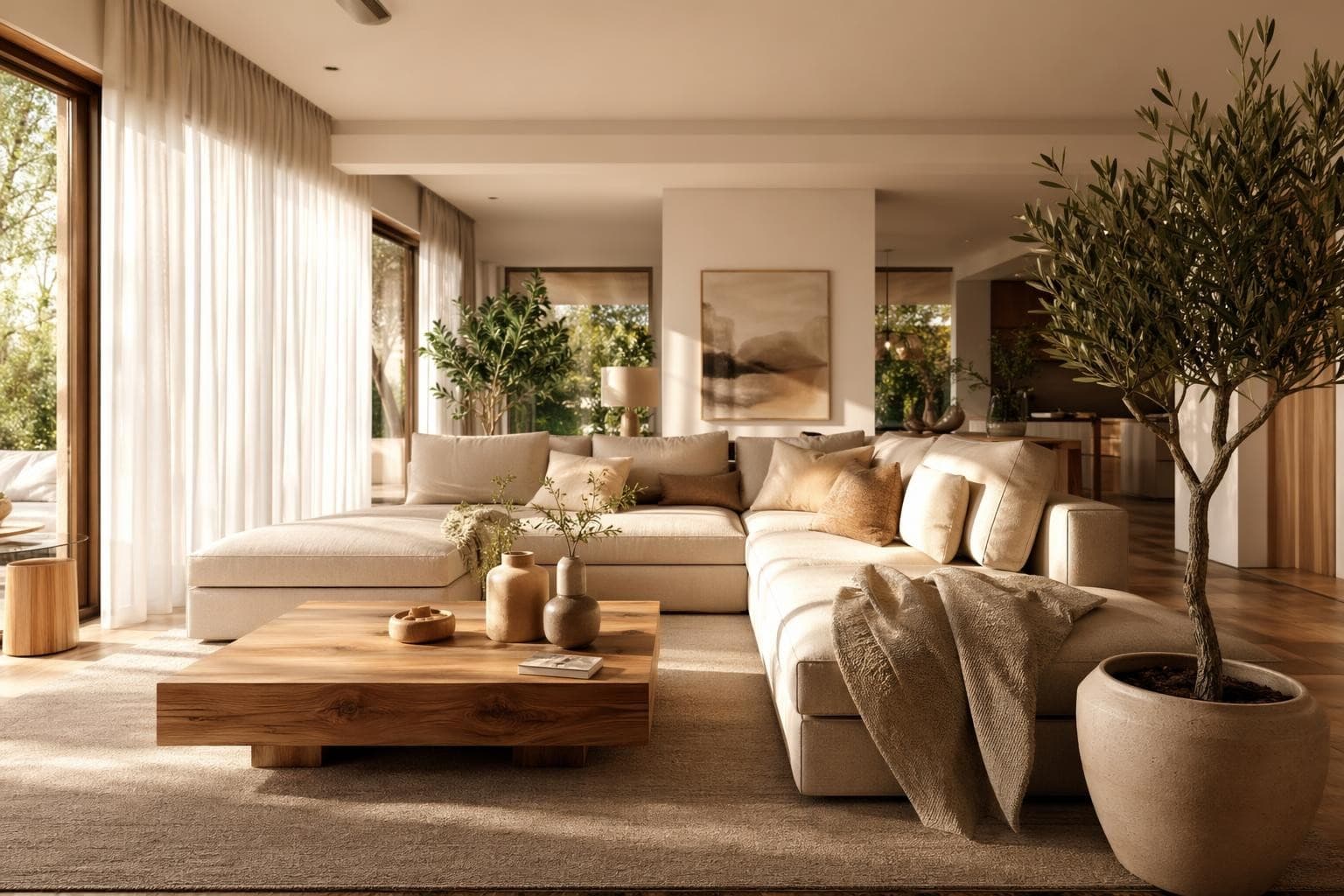
Mood Board Design Tips
Start with a feeling, not a style name
Don't start your mood board by typing 'Scandinavian' and grabbing the first 10 images that come up. Start with how you want the room to feel when you walk in. Calm? Energizing? Cozy? Sophisticated? Playful? The feeling guides better decisions than a style label ever can. You might find that your ideal room combines elements from three different named styles, and that's completely fine. The mood board is where you figure that out without committing to any purchases. Let the feeling lead and the style will follow naturally.
Limit your color palette to five colors maximum
A good room has a dominant color (60% of the room, usually walls and large furniture), a secondary color (30%, like accent chairs, rugs, and curtains), and an accent color (10%, think throw pillows, art, and small decor). Add a neutral for grounding and a metallic finish for hardware and fixtures, and you've got five total. Any more than five and the room feels chaotic and unfocused. Your mood board should reflect these same proportions visually. If everything on your board is a different color with equal weight, you don't have a clear direction yet.
Include texture swatches, not just room photos
A mood board full of wide-angle room photos doesn't tell you much about the actual materials you'll be living with daily. Include close-up textures: the specific grain pattern of the wood floor, the weave of the upholstery fabric, the veining pattern in the marble, the brushed finish on the cabinet hardware. These tactile details are what make a room feel cohesive and considered in person versus looking like a random furniture showroom. Two rooms can look similar in wide shots but feel completely different because of their material quality. Zoom in on the details.
Make one board per room, not one for the whole house
Each room in your home has different functional needs, different natural lighting conditions, and potentially different style expressions. A kitchen mood board and a bedroom mood board will have very different elements because those rooms serve different purposes in your life. Don't try to capture your whole home's direction on one board. But do keep a 'common thread' element that appears on every board, maybe a shared metal finish like brass, or a consistent wood tone, that connects rooms and makes the house feel intentional and cohesive as you move between spaces.
Use your mood board to identify what to render next
Once your mood board feels right and cohesive, use it as a brief for your full room renders on StableRender. The board tells you exactly what style, colors, and materials to look for in your full room redesign renders. It's the planning step that makes every subsequent render more useful and targeted because you already know what direction you're heading. Without a mood board, you'll spend credits experimenting randomly and hoping something clicks. With one, every render is purposeful and gets you closer to a decision you feel confident about.
Frequently asked questions
Everything you need to know about Stable Render.
Still have questions?
Our team is here to help you get the most out of Stable Render.
Describe the style, colors, or feeling you want for your room using natural language. The AI compiles a visual board with coordinated colors, materials, furniture styles, and textures that match your described direction. You can refine it by adjusting your description or regenerate with completely different inputs until it captures your vision perfectly. Each generation takes about 10 seconds.
New to Stable Render? Start free and explore all features.
No credit card required • Free credits to get you started
Ready to bring your designs to life?
Join thousands of homeowners, designers, and realtors who save time, impress clients, and grow their business with Stable Render.